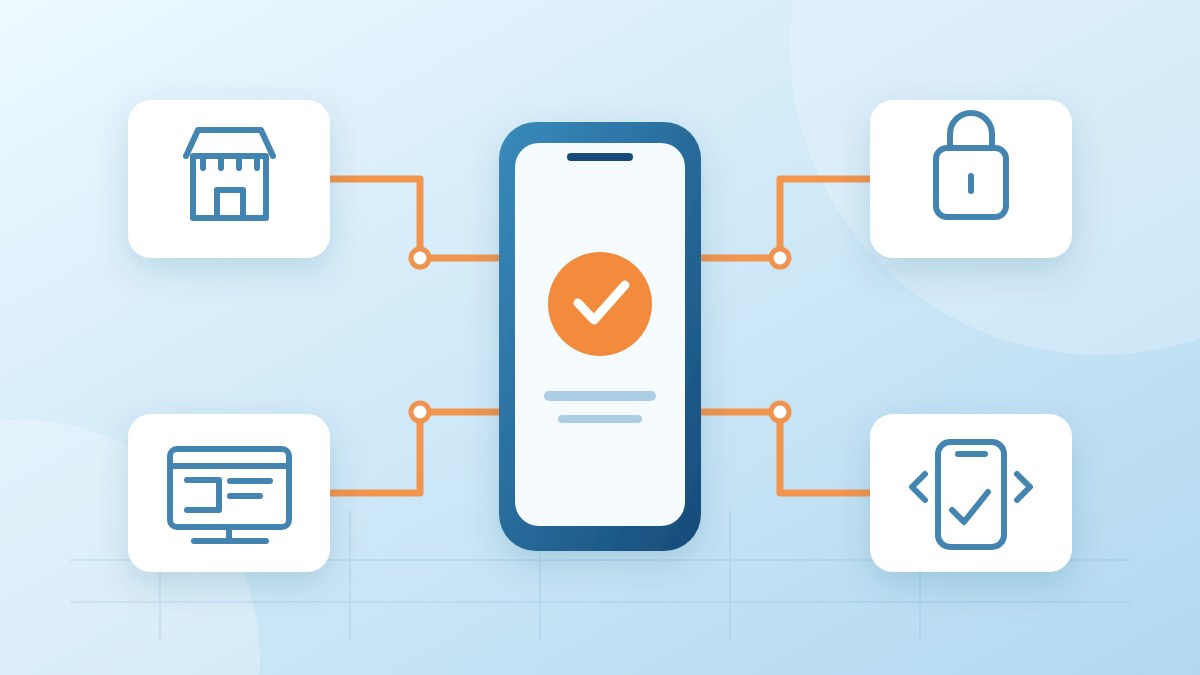
A customer needs to book from their phone. A technician must complete a job without coverage. A dealer needs to check availability and place an order. These are all mobile development needs, but they do not necessarily call for the same solution.
The most worthwhile solution makes the intended outcome easy for its users and sustainable for the business to operate. A native app on public stores, a privately distributed business app, a responsive website and a PWA can each be a valid answer. Comparing them requires an understanding of users, frequency, features and access arrangements. The initial development quote tells only part of the story.
Before choosing a technology, we describe an observable task: booking in a few steps, recording a site visit, reordering products or approving a document. We then define how to measure improvement through completions, working time, errors or support requests. Downloads and page views alone are not enough.
We also separate two decisions: how the application is built and how it is distributed. An installed app can be public or restricted. Platform-specific development for iOS and Android versus cross-platform technologies is a further choice. Store presence alone does not determine quality or value.
An iOS or Android app distributed through the stores can suit a frequently used service where the device experience matters. Examples include repeated operations, complex interactions or integration with phone features requiring detailed control. Sensor access and background execution must still be assessed against operating-system permissions and restrictions.
The benefit needs to justify downloading, storage space and updates. For a customer who only needs to check something once, requiring installation can introduce an unnecessary barrier.
Public distribution includes developer accounts, store materials, review, updates and compatibility work. Being on the App Store or Google Play does not guarantee discovery or customer acquisition. The service still needs a plan to reach its audience.
When users are technicians, employees, salespeople or partners, the purpose may be to provide an operational tool rather than reach the public. An app installed on work devices can support repeated procedures, field data capture and offline features designed for that process.
Restricted distribution does not mean freely sending an installation file to anyone. Apple offers Custom Apps for specified organisations; Android supports private apps through Managed Google Play. The choice also depends on device management, participating organisations’ accounts and whether phones are personal or company-owned.
Apple’s Enterprise programme is for specific internal employee use cases and requires eligibility. It is not a shortcut for distributing apps to partners. Unlisted distribution through a direct link is another reviewed option: anyone with that link can reach the app, so it does not itself provide access control.
Authentication, roles, revoking permissions and protecting information remain application responsibilities. We also need to establish who updates devices and what happens when a working relationship ends.
A responsive website adapts content and interactions to different screen sizes. It can be the most effective option for information, enquiries, bookings and services that people should access immediately without installing anything.
For lead generation, sharing a link and making public pages discoverable through search may matter more than having an icon on a phone. Indexing and SEO results still depend on content, performance and correct configuration. Private areas do not become visible to Google simply because they use the web.
Responsive design means more than shrinking a desktop layout. Forms, keyboards, readability, speed and user journeys need to work on a phone. A web portal can also provide login and operational functions: what it enables people to do determines the distinction between a website and a web application.
A Progressive Web App is a web application that can add capabilities such as installation, caching and handling some tasks without connectivity. It can suit frequently used portals where we want to retain URL-based access while providing a more integrated experience.
Adding an icon is not enough. Offline behaviour, synchronisation and notifications require design and testing; availability and behaviour depend on the browser, operating system and installation mode. Background execution and hardware access can have different limits from native apps.
A PWA is not automatically cheaper. Authentication, integration and synchronisation conflicts may account for most of the work. Before choosing one, we should test the feature that makes the project valuable on the actual target devices.
Project example: the scenarios below are illustrative, not outcomes attributed to clients.
These approaches can coexist: a public website for discovery, a partner web area and an app for operators. Shared APIs and services can avoid duplication, but separation should deliver a real advantage.
Our comparison includes design, backend services, integration with business systems, identity management, testing, distribution, support and maintenance. We also consider how long users take to get started and complete their task. Something inexpensive to build can be expensive to use.
Our guide to mobile app development costs explores the cost components. The earlier decision is different: understanding which investment makes sense before pricing it.
In our mobile app development work, we start with the process and the people carrying it out. We compare alternatives, identify the riskiest requirement and define a focused first version with understandable success criteria.
If offline use is uncertain, we test lost connectivity and synchronisation. If adoption is the concern, we observe access and task completion. If a business system is involved, we check integration early. Our aim is to support a well-founded decision before expanding development.
Tell us who will use the tool, what they need to do and what currently gets in the way. We can help choose between an app, a website and a PWA around that outcome. Discuss your mobile project with us.
No. Restricted channels exist, with their own requirements and procedures. Employees and partners are not interchangeable audiences under every programme. Distribution and access management should be considered together.
No. We need to check the required capabilities, supported devices and browsers. Installation and offline behaviour do not guarantee the same capabilities as a native app.
This can make sense when a website already meets the first objective. Conversion is not automatic: interface, distribution and device features may require a separate project. Well-organised APIs and data help the system evolve.
References checked on 25 November 2026: Apple Custom Apps, Apple unlisted distribution, Apple Developer Enterprise Program, Managed Google Play private apps and the web.dev PWA guide. The comparison and examples are Tredipi’s project assessments. Platform rules should be checked again when the project begins.