A business application can work every day and still have weaknesses that only surface when something goes wrong: an account left active after a colleague leaves, an integration using shared credentials, or an update postponed because nobody knows how to test it. NIS2 makes it even more important to understand these issues and show how they are managed.
A useful starting question is: which applications support the activities we cannot afford to interrupt, and who governs their security? Answering it involves the people using the software, its developers, infrastructure operators and business decision-makers.
In Italy, the reference is Legislative Decree 138/2024. Applicability depends on activities, size, enterprise relationships and specific conditions, rather than the ERP brand or the purchase of a security product. Our NIS2 scope checker for companies provides an initial, reasoned indication and highlights the points requiring verification.
For entities within scope, Article 24 includes measures covering risk, access, continuity, suppliers and secure development and maintenance. These technical and organisational responsibilities need a case-specific assessment. Suppliers outside the direct scope may also receive contractual requirements from customers; those requirements must be distinguished from direct statutory applicability.
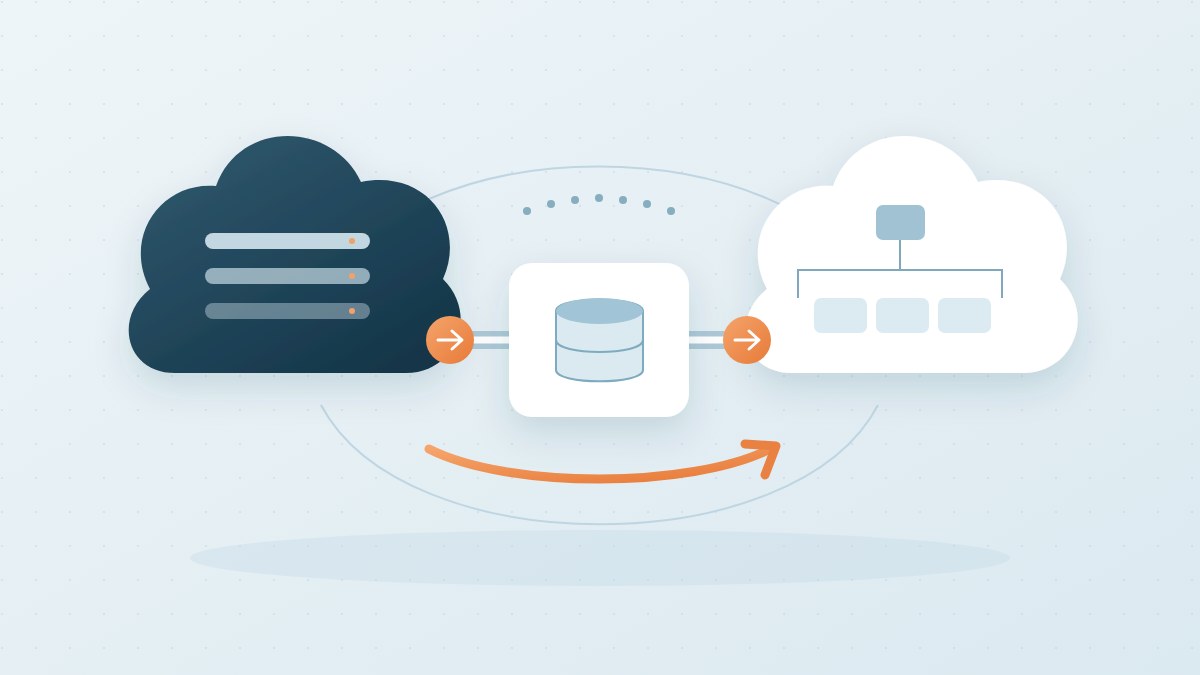
An ERP is often the centre of a network: customer portal, CRM, warehouse, invoicing, mobile applications and partner connections. An installed-software list does not reveal every dependency. Map the data moving between systems, where it resides and what stops working if a connection fails.
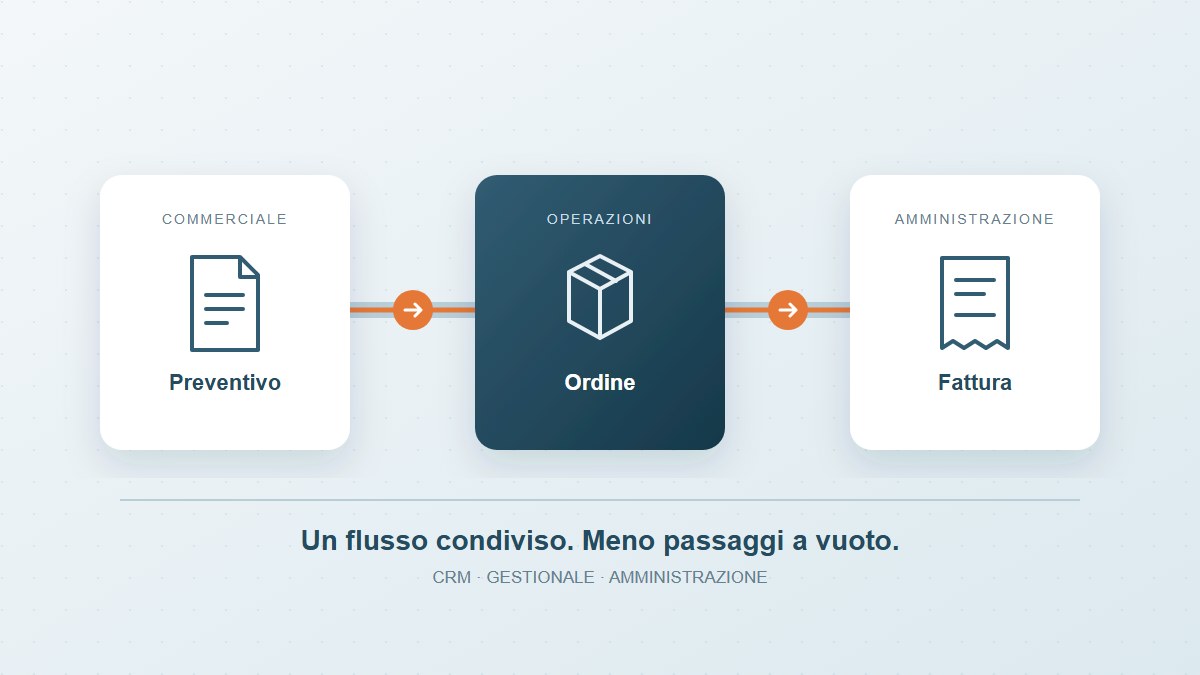
Each application needs an accountable owner, a supplier contact, known access arrangements and identified dependencies. Where work crosses departments, our guide to connecting CRM, ERP and finance helps clarify the operational handovers before choosing individual tools.
An “office” account shared by five people makes actions difficult to attribute. A maintenance contractor with permanent administrator privileges may have more access than necessary. Someone changing roles may retain permissions they no longer need.
Review individual accounts, roles, administrative and technical access, revocation and multi-factor authentication where appropriate. For software serving multiple companies or sites, also test that users cannot read or change information outside their authorised scope. The application must enforce the rules; instructions to users alone are insufficient.
APIs and automated processes can access information without using the visible interface. Review their credentials, authorisation, connection protection and error handling. A key embedded in code or shared between environments makes its use harder to restrict and its replacement harder to manage.
Consider a hypothetical example: a portal submits orders to an ERP and retries when confirmation is missing. A network problem may create duplicates if the integration cannot recognise an operation already completed. Security and reliability also require data checks, limits and the ability to reconstruct what happened, alongside access protection.
An application depends on frameworks, libraries, operating systems and external services. Know which components are deployed, whether they remain supported and how updates are assessed. A dependency inventory is useful when maintained and linked to the versions actually released.
The process should identify who receives a vulnerability report, assesses its impact, tests the correction and releases it. Separate environments and a verifiable way to return to the previous release, where possible, are important. Bespoke software can evolve without a complete rewrite: the decision should reflect actual constraints, rather than code age alone.
When an operation fails or unusual access changes data, people need to understand what happened. Application logs can connect errors and operations through technical references, consistent timestamps and explicit outcomes. Hiding an exception behind a success message makes intervention harder.
More logging does not automatically provide better understanding. Passwords, tokens, confidential content and unnecessary personal data should not appear in logs. Define access, retention and consultation arrangements consistently with the purposes and data protection requirements.
A database copy is insufficient if attachments, configuration, keys or required services are missing. A recovery exercise should test a meaningful process: open a job, retrieve a document, perform a controlled operation and check its outcome.
Agree acceptable recovery times and tolerable data loss with the business. Cloud services can provide useful tools, but do not replace design or demonstrate on their own that the application can recover under the expected conditions.
The first outcome can be a concise plan ordered by business impact. For each finding, establish:
We can support the technical analysis and evolution of your applications through bespoke software development, integrations and work on existing systems. We start with the processes that matter and the evidence available, coordinating with your business owners and the advisers responsible for determining the legal scope.
To distinguish applicability from software priorities, check your situation with our NIS2 tool. To explore a specific application, request a technical discussion with Tredipi: together we can identify a starting point and measurable checks.
References: Italian Legislative Decree 138/2024, particularly Articles 3 and 24, Directive (EU) 2022/2555 and the ACN NIS portal. The checks described are technical considerations to adapt to the risk and context, rather than a compliance attestation or an exhaustive list of obligations.