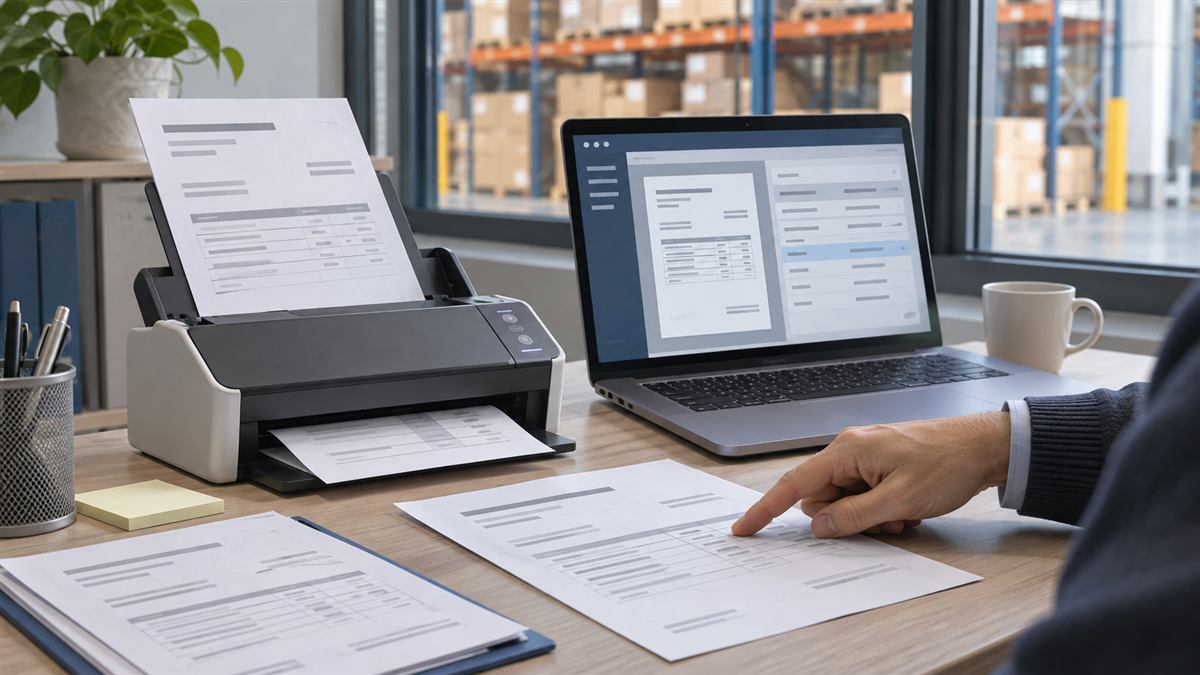
The management system records orders, keeps records and has accompanied the work for years. Yet, to complete a task, you need to export a file, correct it in Excel and copy the data into another application. When this happens, the useful question is to understand which step is becoming an obstacle and how to improve it.
Updating, integrating and replacing are three different possibilities. We can also combine them over time: keep what works, connect a currently isolated process and renew a part when it is worth it. The choice starts from the work of the people and the concrete conditions of the software.
Before comparing products or technologies, choose a task that requires too many steps today. For example: checking the availability of an item, transforming a quote into an order or preparing a document for the warehouse.
Follow the path with those who carry it out: what information is needed, where it is located, who updates it and what checks are repeated. Distinguish a system wait from missing data or an unclear procedure. A registry problem cannot necessarily be solved by changing the application.
Noting times, corrections and interruptions on a few representative cases helps to define a verifiable objective. “Reducing order copying” allows for a more useful comparison than “having a modern management system”.
Upgrading is an option to consider when the product continues to cover the core needs and the vendor offers a supported version that addresses the identified limitations. There may already be a more suitable interface, missing features, or documented links available.
You should check the compatibility of connected customizations, extensions, devices, and applications. You need proof on a separate environment, data controls and a switchover plan. Just because a version is newer does not guarantee that it will eliminate the identified bottleneck.
For custom-developed software, updating can mean working on components, interfaces or performance. The availability of the sources, the possibility of maintenance and responsibility for the interventions must first be clarified.
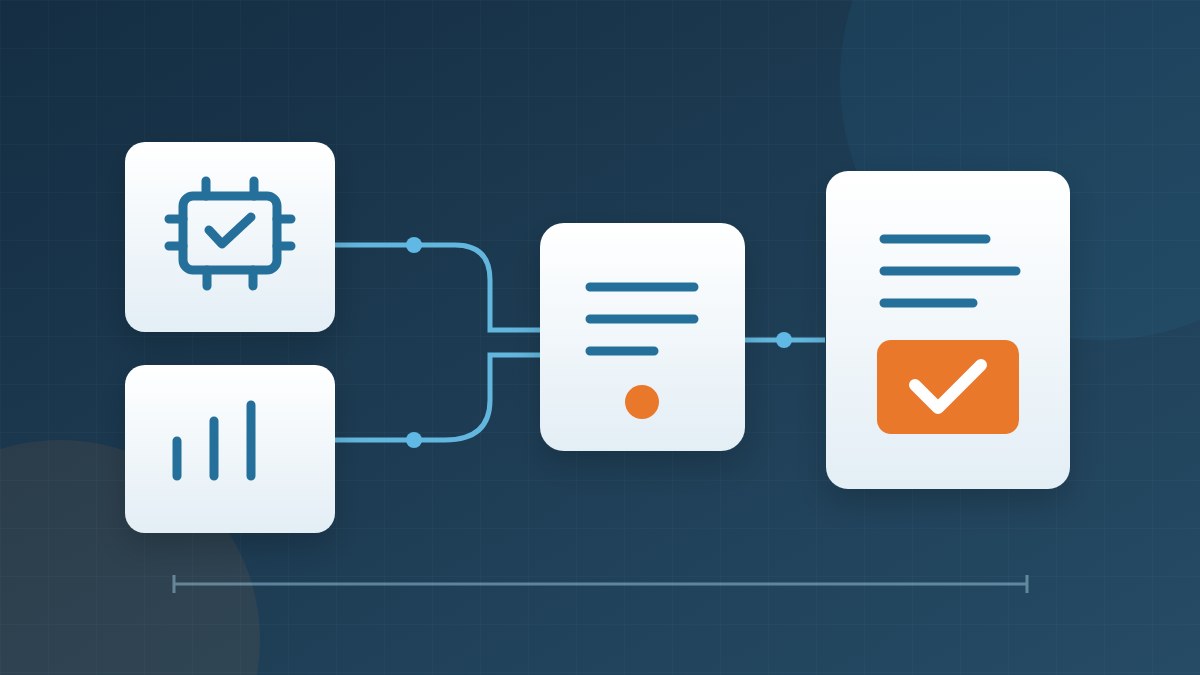
Integration is interesting when the management software performs its task well, but the work is interrupted when moving towards other tools: e-commerce, commercial applications, production or warehouse.
The first check concerns the available interfaces: APIs, imports, exports and supported connectors. We need to check which operations they allow and with what limits. Access to data does not automatically imply the possibility of modifying orders, availability or documents in compliance with the management system rules.
A link also requires agreement on meanings: a “confirmed” order must represent the same state in the two systems; packages and pieces must be reconciled. Nella system integration Error management, recognition of repeated attempts and the possibility of recovering an interrupted operation also count.
A link layer adds maintenance and operational responsibilities. It is useful to evaluate it as part of the system, with its own documentation and controls, rather than as a set-and-forget solution.
Replacing becomes a real possibility when essential functions are missing, the system is no longer maintainable or supported, or every need requires a growing set of temporary solutions. The possibility of adequately managing access, updates and operational continuity must also be evaluated.
The comparison includes software available on the market, customizations and customized software development. Conviene distinguere i processi che possono adattarsi a uno standard da quelli che esprimono una necessità specifica dell’azienda.
Migration is about data, habits and connections. It is necessary to decide which information to transfer, how to verify it and which histories to keep available for consultation. Training, transition assistance and exception management are part of the project.
Let's consider a hypothetical example, not a customer result: a distributor receives orders from the site, reports them in the management system and separately communicates to the warehouse what to prepare.
If an updated version of the management software includes a suitable connector, it may be sufficient to activate it and check its behavior. If the management system is adequate but that connection is missing, an integration can be considered. If it fails to represent the necessary processing states and is not sustainably extendable, it makes sense to investigate a replacement.
To compare the alternatives you can use the same sample: full order, partial delivery, unknown product and repeated request. The solution must show how it deals with each case, including errors and the work left for the operator.
In some contexts it is possible to first renew a limited function, maintaining the rest of the management system. The Microsoft documentation on incremental migration describes an approach in which functionality gradually transitions from the existing system to the new one.
Feasibility depends on the ability to separate processes and manage dependencies. During coexistence it is necessary to establish where each data is updated and how the exchanges are controlled. Dividing the transition into phases can make it more manageable, but introduces a period in which both systems must be followed.
Include configuration, development, migration, training, support and link maintenance in your comparison. Also consider activities that will continue to require manual control and any periods of unavailability to plan for.
Alongside the initial costs, ask how they will handle a new sales channel, a change in price lists or a software update. A useful proposal clarifies what it includes, what dependencies it retains, and what information is needed to estimate the remaining work.
The economic verification must be linked to the process observed: overall time, corrections, reliability of exchanges and ease of use. Savings percentages and payback times require company data, not generic promises.
For a first interview, simply describe these elements, without sending credentials, archives or confidential documents. If the need also concerns the extraction of data from documents, you can learn more about the process in the article on orders and delivery notes in the management system.
At Tredipi we start from your way of working to focus on requirements, connections and alternatives. We can compare what the software already allows with the necessary integration or development interventions, without assuming that we need to redo everything.
What is the step in which your management system wastes the most time? Tell us about it: let's start there and define together what to check to choose between update, integration and replacement.